Crazy Eights UI Prototype
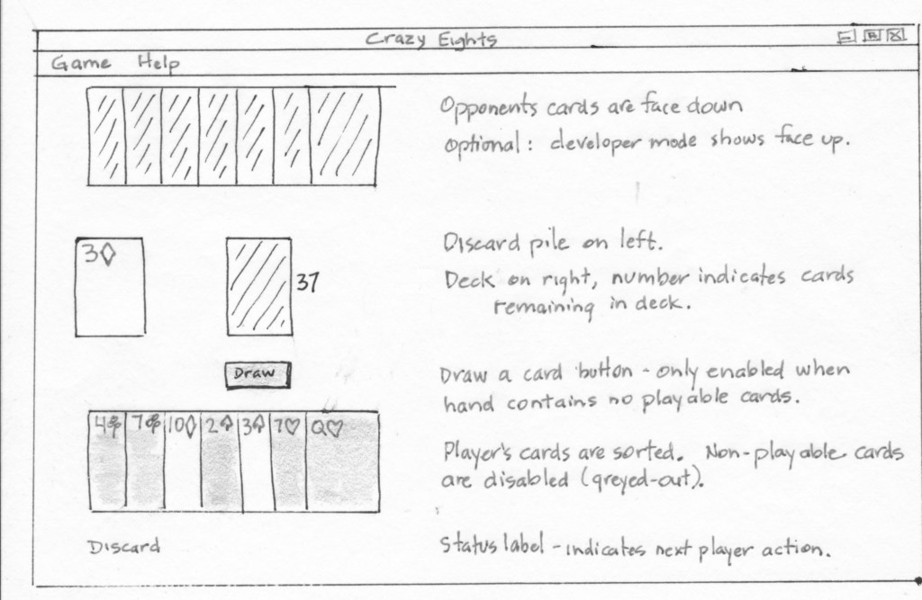
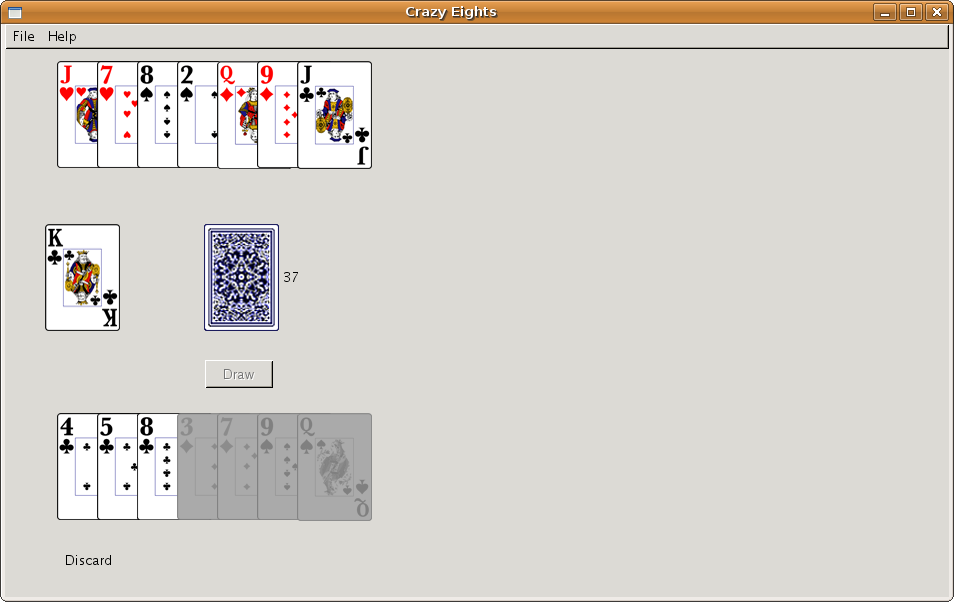
Startup screen layout
Screenshot of GUI created with NetBeans designer
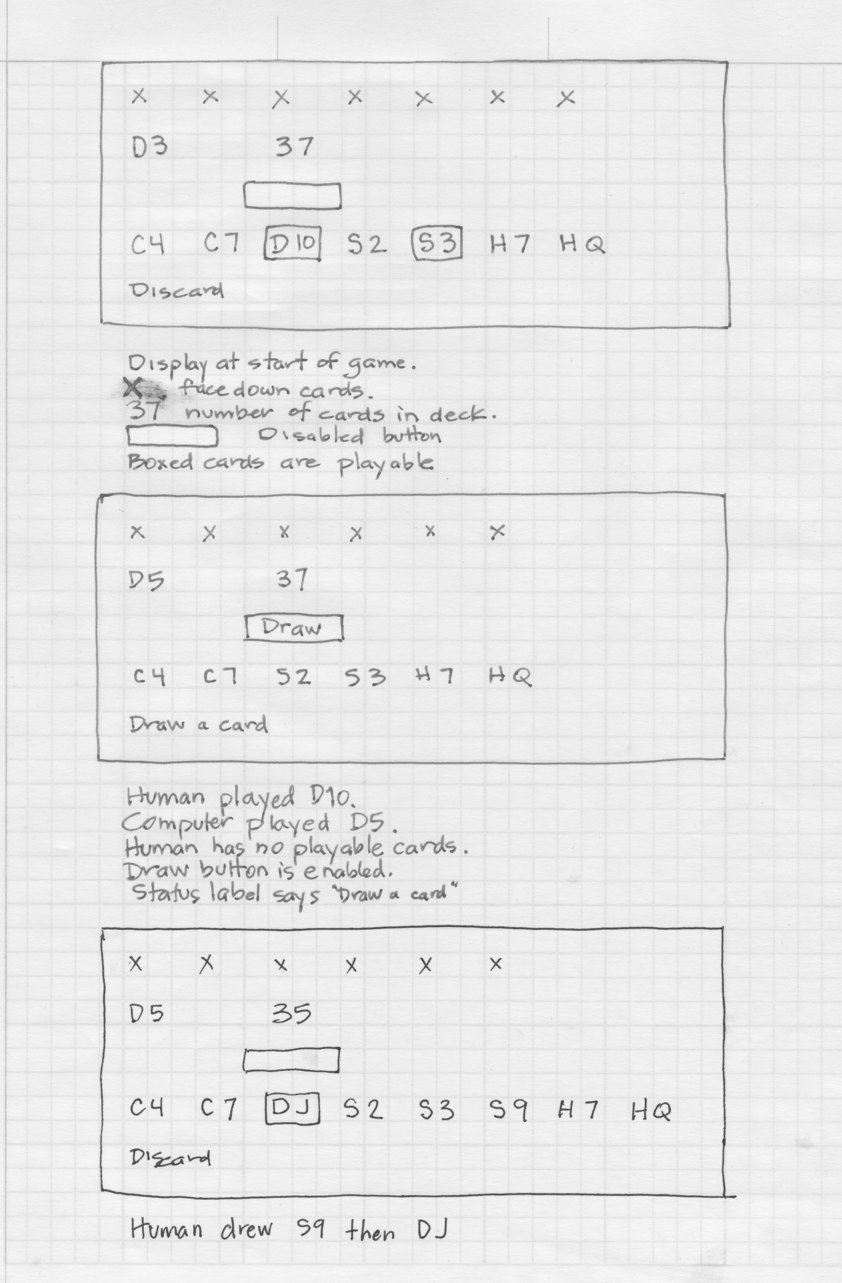
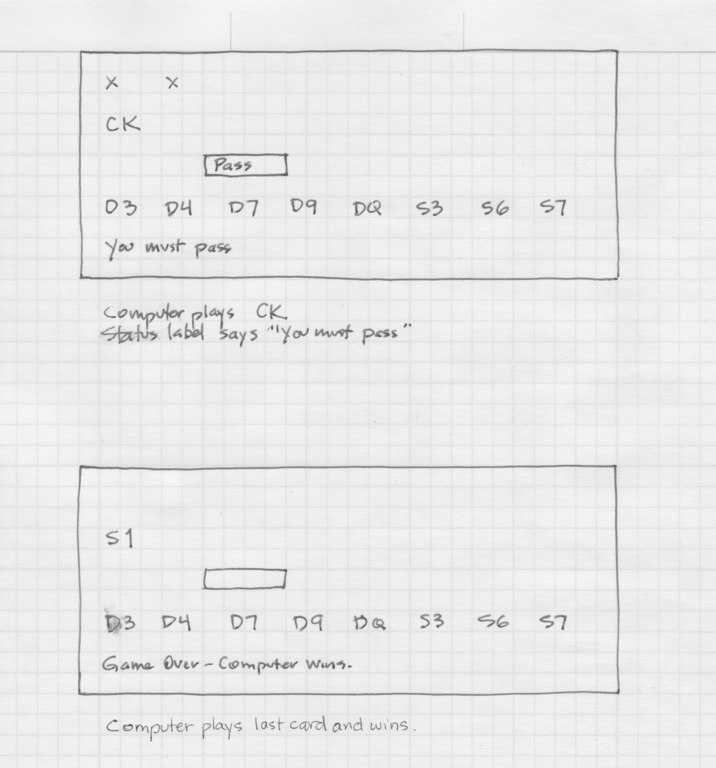
Storyboard
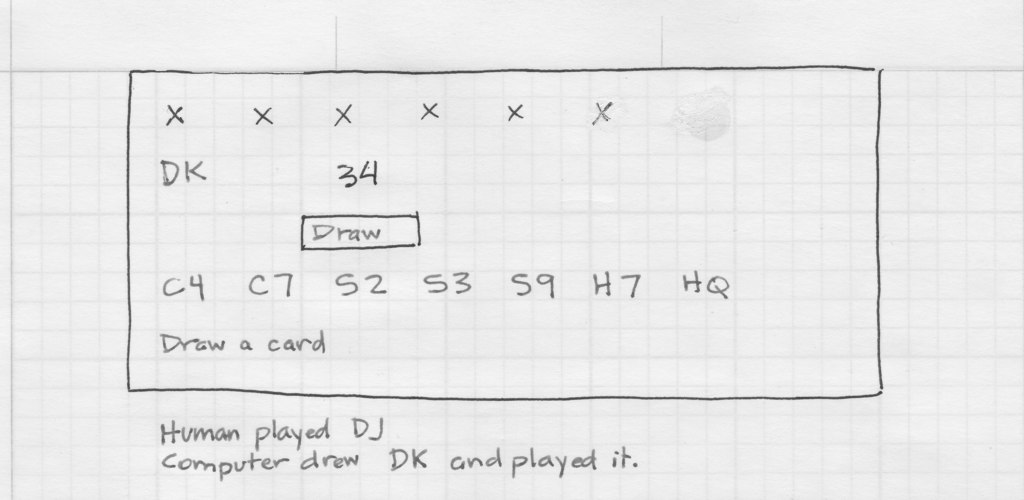
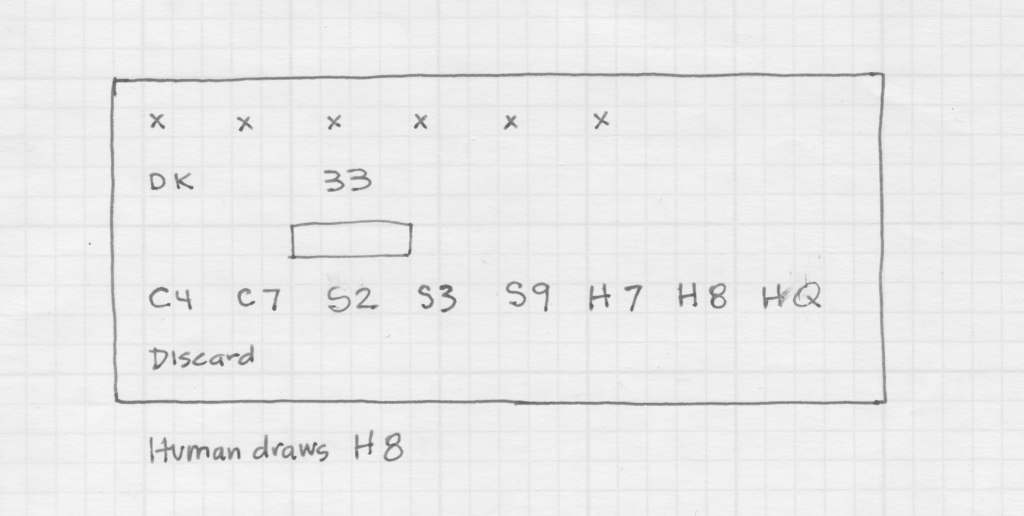
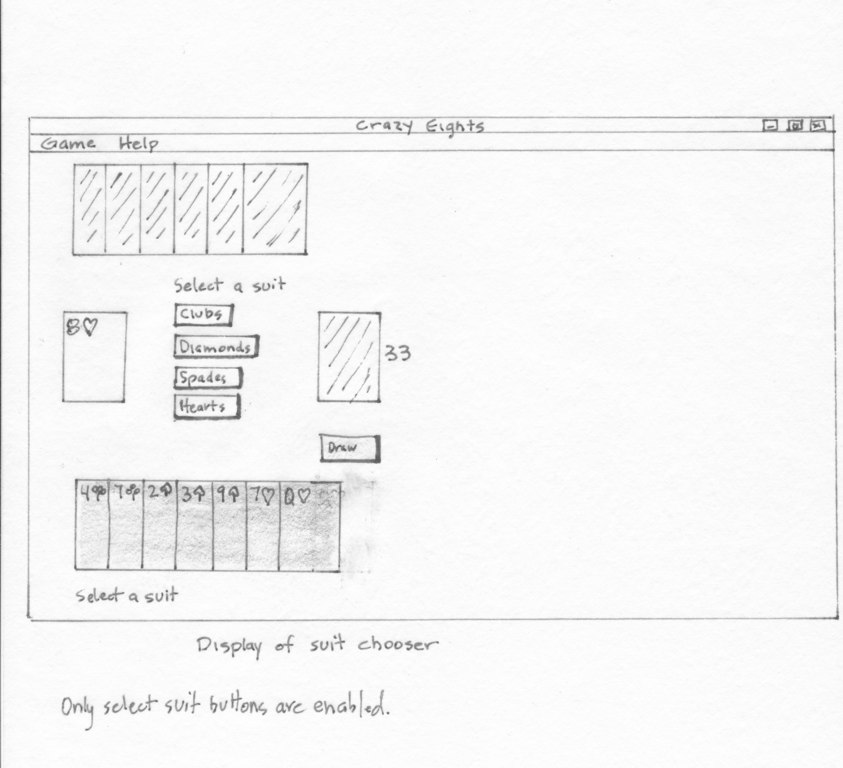
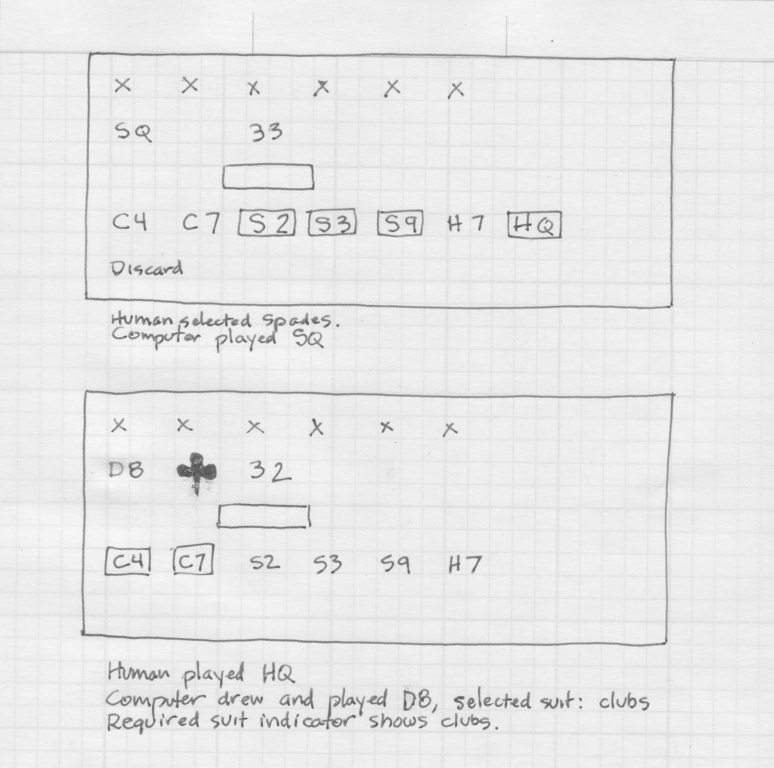
... skipping to end of game
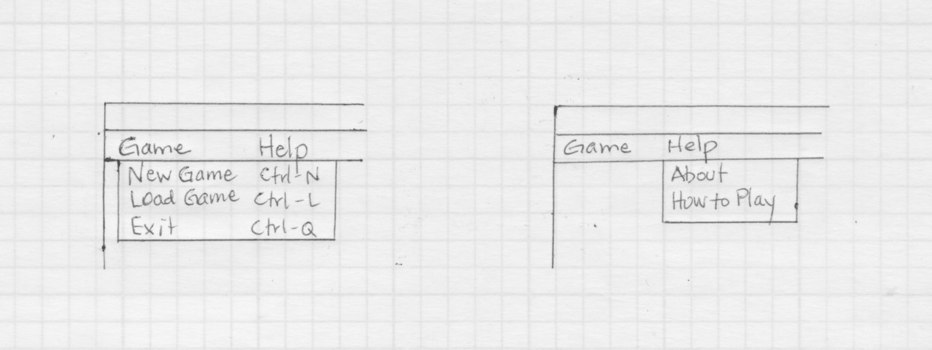
Menu selections available from menu bar.
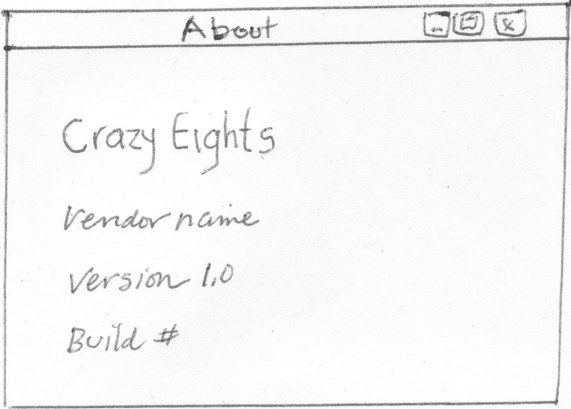
"About" screen
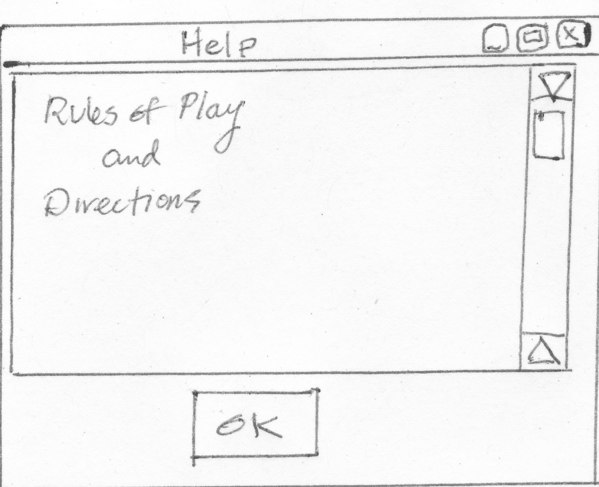
Help Dialog
Console UI
There is also a console user interface for system testing.
[C1, C2, C3, C4, C5, S6, S1]
   -C6-   (6)
+C7 D7 D9 DT DJ DQ DK S7
The computer's hand is shown in the top row, in brackets.
The human's hand is shown on the bottom row, with
playable cards marked by a plus sign.
The current discard is shown on the second row, marked by
minus signs, and the number of cards in the deck is
shown in parentheses.
The prompt is "Press Enter to draw a card." or
"Press Enter to pass." or
"?" to specify a card to play. (Player enters desired card, e.g., "D9")
The description of the play is
kHuman|kComputer discarded card
The game over messages appear as:
-------------- game over
Game Over - You Win!|Computer Wins.
Here are sample console sessions for: