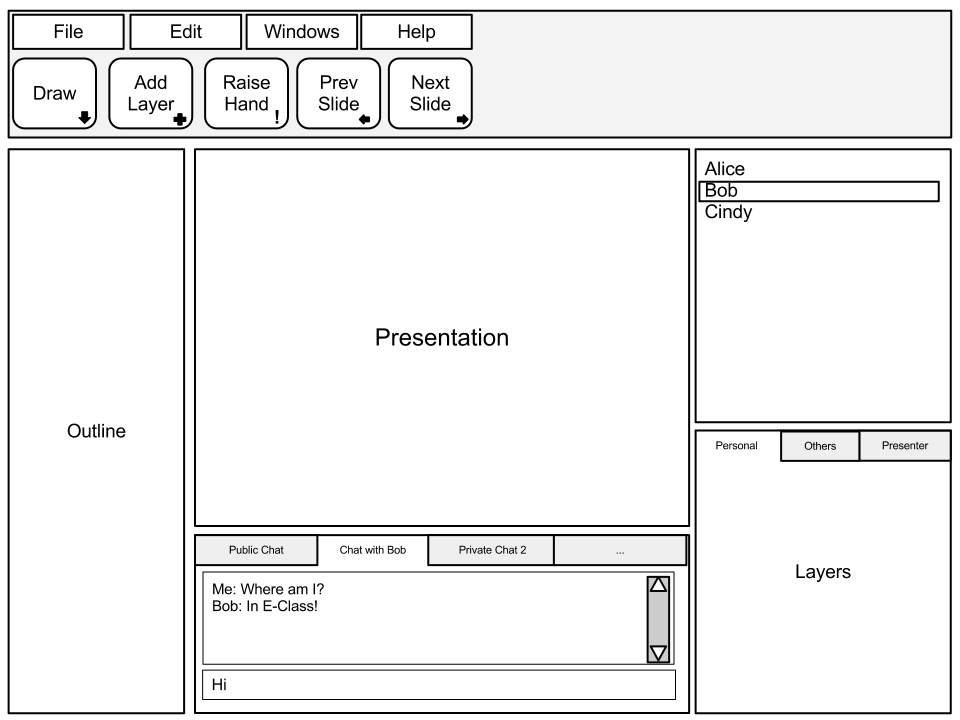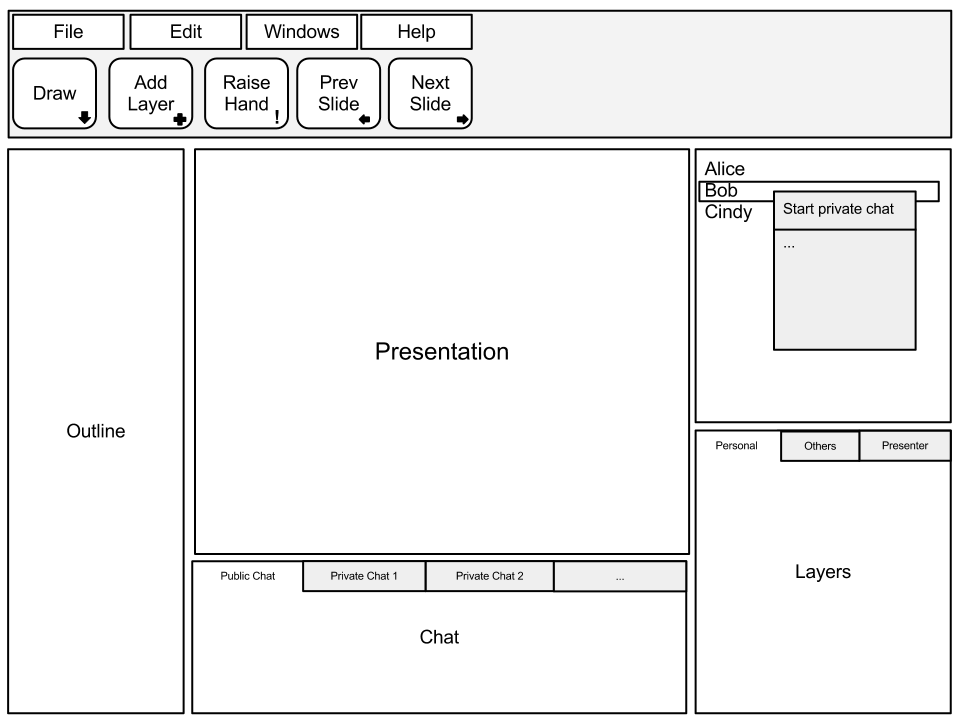
To start a private chat with another participant, the user right clicks on the participants window and selects "Start private chat."
The following figure shows the dialogue appearing after a right-click on a
participant.
The user is able to chat with the participant in the chat window, which will be
in a separate tab. The user is able to enter and receive text.