To start using the interactive presentation functionality of E-Class, the instructor first "connects" to their class database by choosing the 'Class > Open Class' menu item, which displays in series the two dialogs shown in Figure 2.2.3.1.
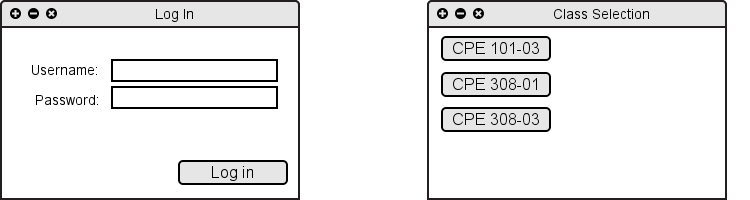
Figure 2.2.3.1: Instructor login and class selection.
Next, the instructor chooses 'Class > Start Presentation' to start a session to which students can connect involving the active presentation, drawing and other interactive functionality. The user interface then appears as shown in Figure 2.2.3.2.
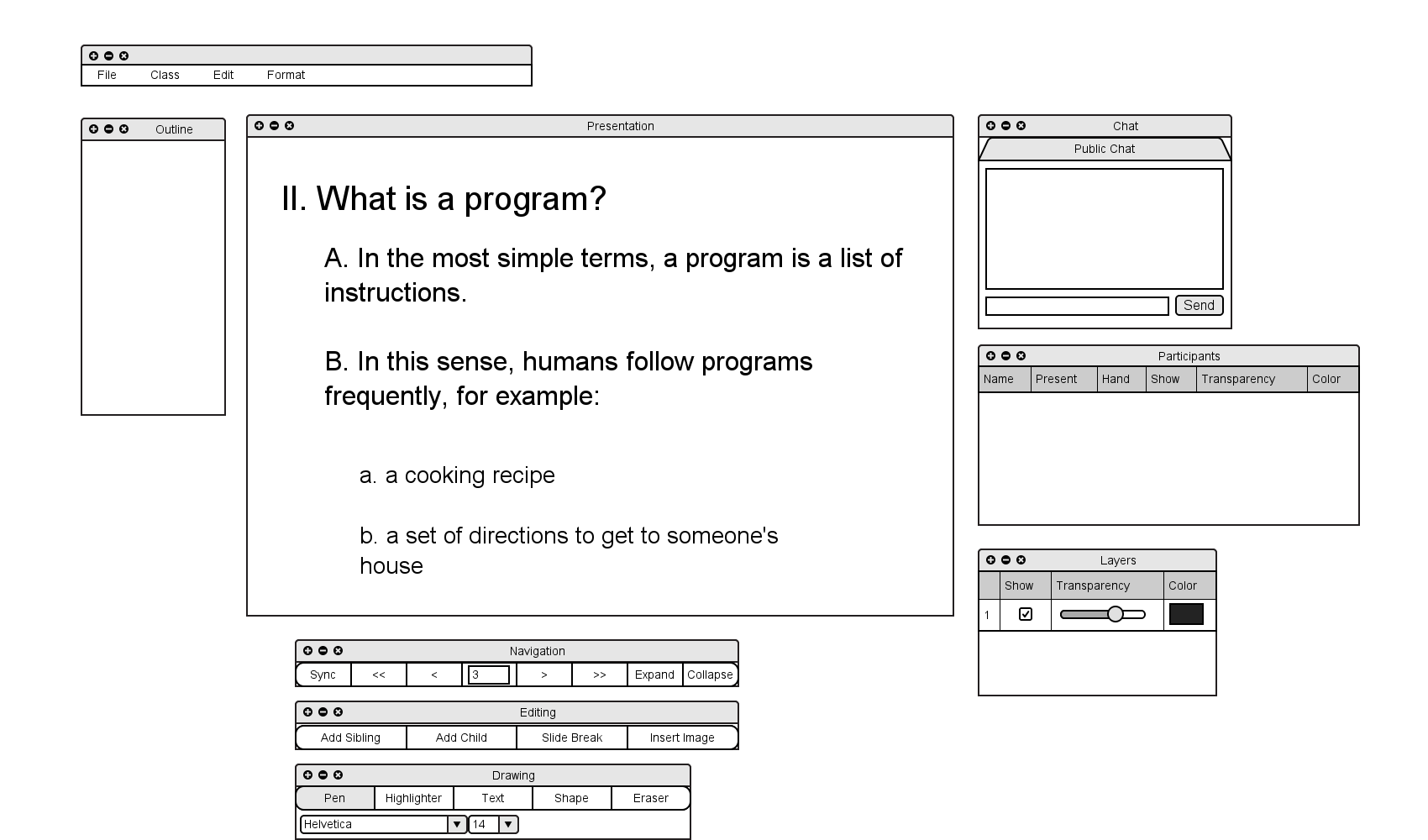
Figure 2.2.3.2: Instructor user interface with an active presentation session.