2.5.2. Using the "Curve Tools" Fine Tuning Page
This screen shows the "Fine Tuning" "Curve Tools" page. This page is brought up when the user goes to the Curve Tools section and clicks on the Fine Tuning tab.
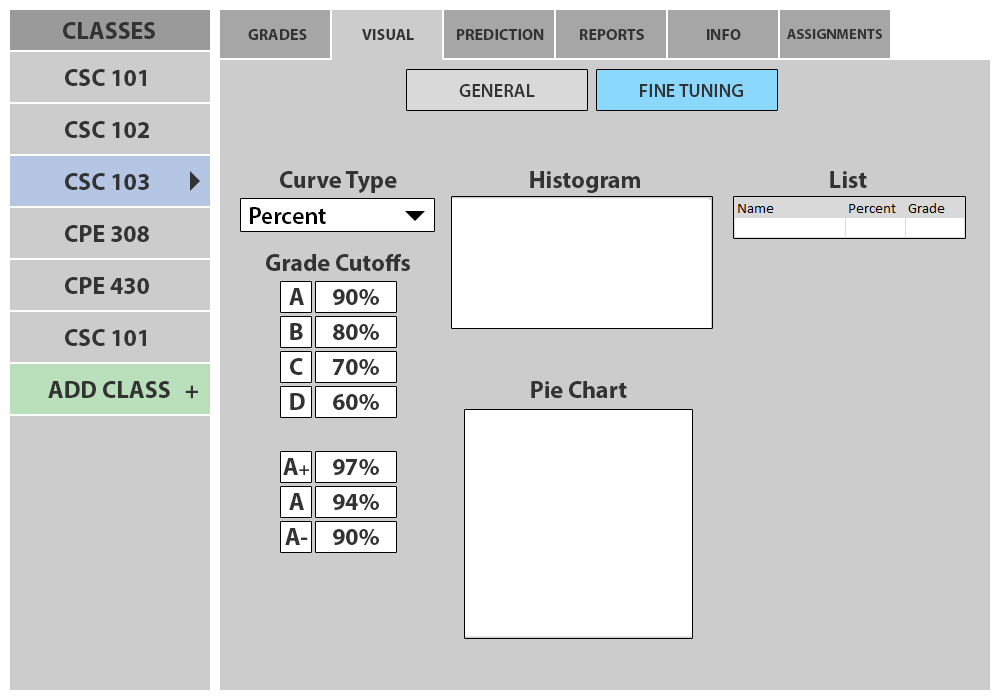
Figure 2.5.2.1: Fine Visuals with Empty Gradebook
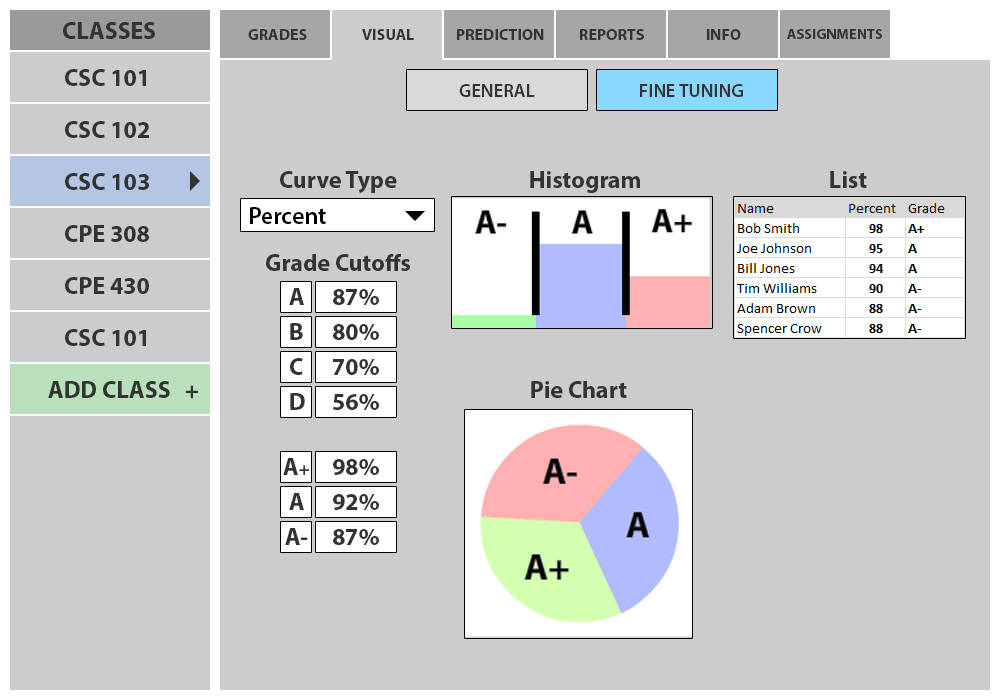
Figure 2.5.2.2: Fine Visuals with Nonempty Gradebook
Grade Cutoffs: The grade cutoffs display the same information as on the General Page. When the user clicks on one of the letter grades, finer grade cutoffs for that letter grade appear below it
Finer Grade Cutoffs: These text boxes display cutoff information for a grade X with text boxes for X+, X, and X-. Their behavior is the same as for the normal Grade Cutoffs.
Histogram Button: If the user clicks on this button while the histogram is visible it hides the histogram. If the user clicks on this button while the histogram is not visible it becomes visible.
Histogram: The functionality of this histogram is the same as the General histogram. This histogram displays cutoffs for the finer grade cutoffs (A+, A, A-) instead of the more general cutoffs.
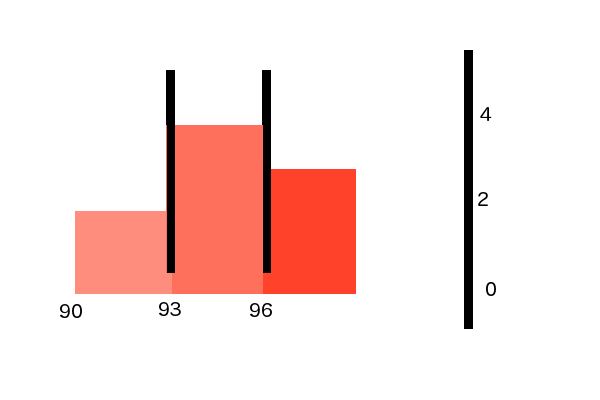
Figure 2.5.2.3: Zoomed in View of Histogram
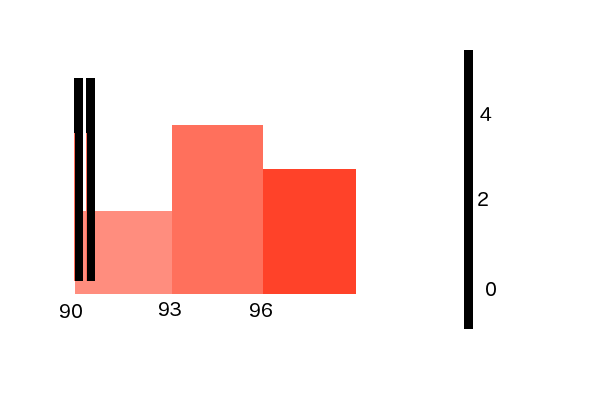
Figure 2.5.2.4: Zoomed in View of Histogram after A Cutoff is Moved
Pie Chart Button: If the user clicks on this button while the pie chart is visible it hides the pie chart. If the user clicks on this button while the pie chart is not visible it becomes visible.
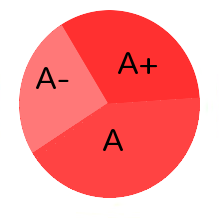
Fine Piechart
Pie Chart: The functionality of the pie chart is the same as the General pie chart. This pie chart displays cutoffs for the finer grade cutoffs (A+, A, A-) instead of the more general cutoffs.
Grades: This grade section is the same as for General, but it only shows the selected grade (eg. only A's).
Prev: General Curve Tools
| Next: [none]
| Up: Curve Tools
| Top: index