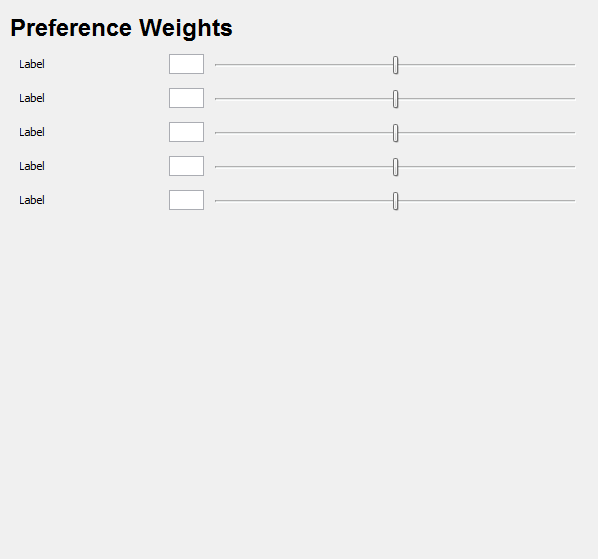
The DTScheduler not only generates a schedules based on completeness and non-overlapping resources, but on a "fairness" weighting as well. As such, this menu allows a weighting of the various factors to be set (thus adjusting the generated schedule outcomes.)
For each of the items below, a box and slide bar are shown. These two items are linked together for easy of use and easy reference to the weighted value.
The box will contain decimal values (up to 2 decimal digits) between 0-5. The slide bar will range from complete left (0 value) to complete right (5 value). Upon change, both box and slider will adjust to match the other and the value is automatically stored.
When the schedule is auto-generated, a 0 will cause that weight to be ignored (no impact), a 5 will force the items to be adhered to, and the in-between will take the item into consideration but not force.