When creating schedules scheduling admins can limit what time blocks a schedule can have availiable to it.
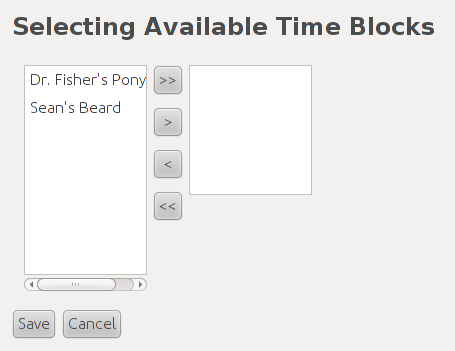
Figure 1: Selecting Available Time Blocks
On the left column are all of the available time blocks a schedule can have. And on the right column are all the time blocks the schedule can use.
To move a time block to the useable column the user must select a time block and then click the > button. To add all timeblocks to the useable colums the user clicks the > > button. On the contrary to remove a time block from the useable column the user selects a time block from that column and clicks <. If the user wants to remove all time blocks from the useable column then the user just clicks the < < button to do so.