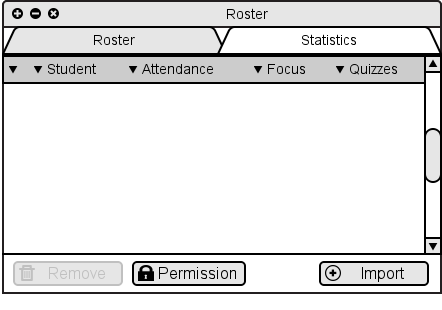
Figure 2.7.1.1: Initial empty roster window.
To add students to a class roster, the instructor opens the class roster window and selects the Import button. Figure 2.7.1.1. shows the initial roster window before importing any class data. Figure 2.7.1.2 shows the class roster after importing.
Figure 2.7.1.1: Initial empty roster window.
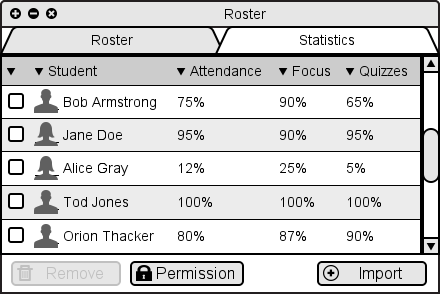
Figure 2.7.1.2: Roster window after importing class data.
The specification of the resulting import dialog and the import file format is yet to be specified.
To remove users from the class roster, the instructor selects the checkbox next to the desired students' names, as shown below in Figure 2.7.1.2.
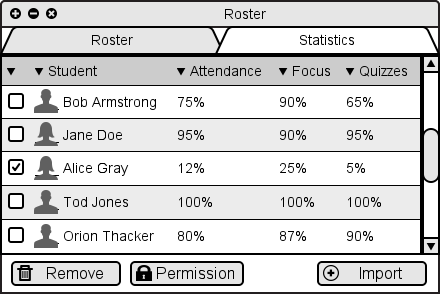
Figure 2.7.1.3: Roster window with student selected. Note the delete button is enabled.
Selecting these checkboxes enables the Delete button. When the instructor clicks on this button, the selected students are removed from the class roster.