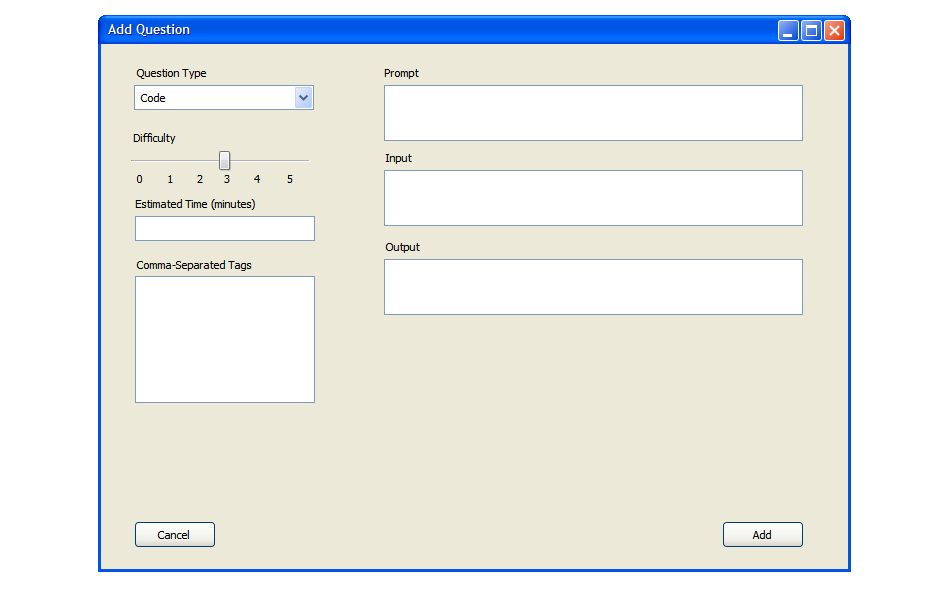
The user chooses the 'Code Question' option from the 'Question Type' drop-down menu to add a code question to the question bank. The screen in figure 20 shows the input method for this type of question. There are three fields to enter:
Figure 20: Screen showing code question setup.
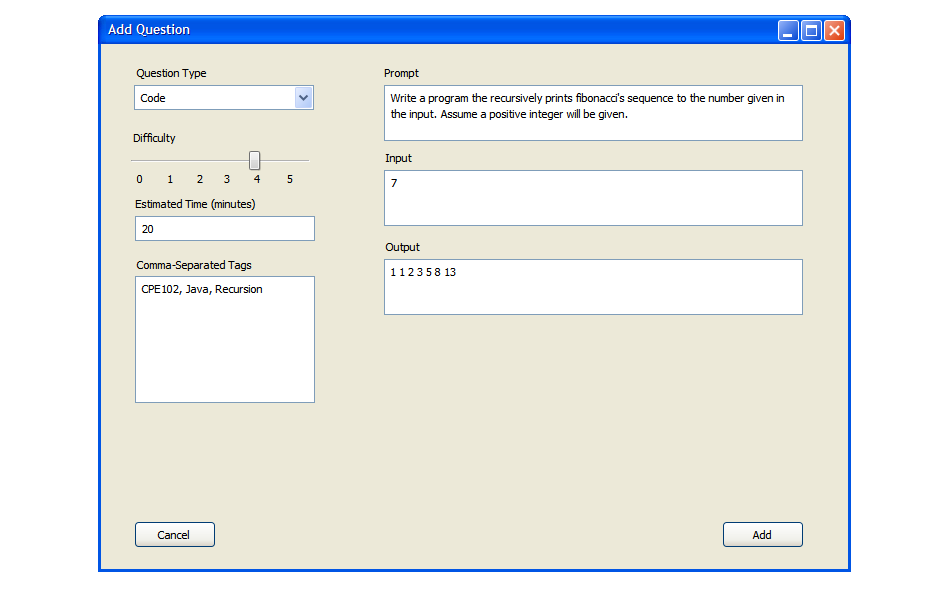
Figure 21: An example of a complete code question filled in. Though the student's output may match the provided output, a grader may have to check the student's answer to be sure their implementation is recursive for full credit.
Once the user selects 'Add', the question is added to the question bank as shown in Figure 13.
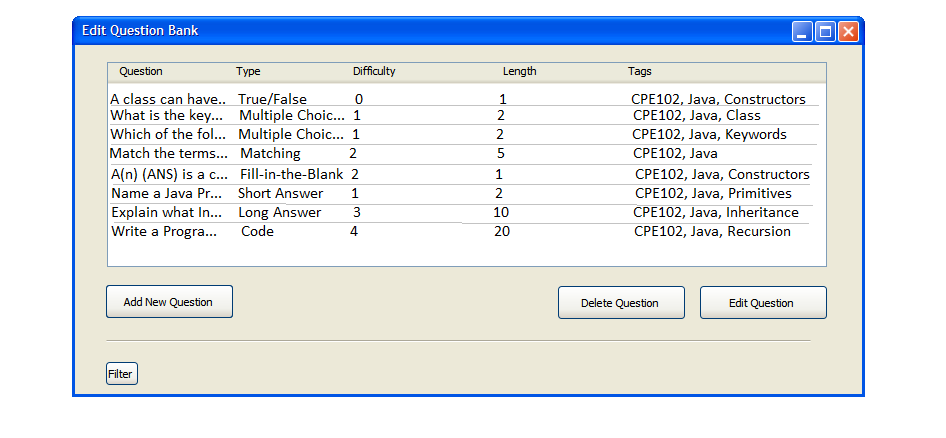
Figure 22: A question Bank with every type of question added