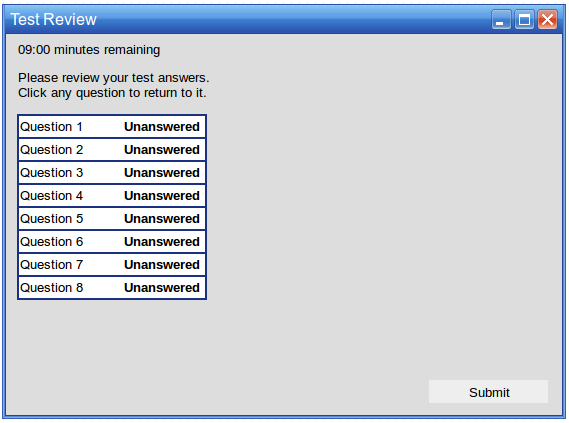
The Test Review lists all of the questions in the test and whether or not the user has answered them. At the top left, the remaining time left for the rest is displayed. The user selects one of the questions from the review to quickly jump back to it to answer it or change their answer. The test ends and the answers are submitted after the Finish Review and Submit button is pressed.
Figure 1: Test review before the user has answered any questions.
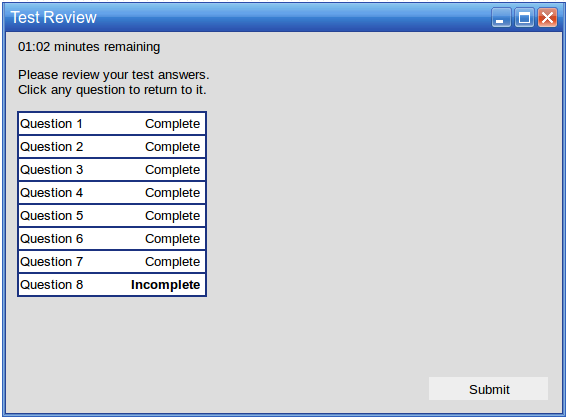
Figure 2: Test review after answering questions.
The questions have one of three different statuses. A question is Unanswered if the user has not begun the question at all. A question is Incomplete if the user has begun answering, but did not complete their answer. A question is Completed if the user has completely answered the question.