
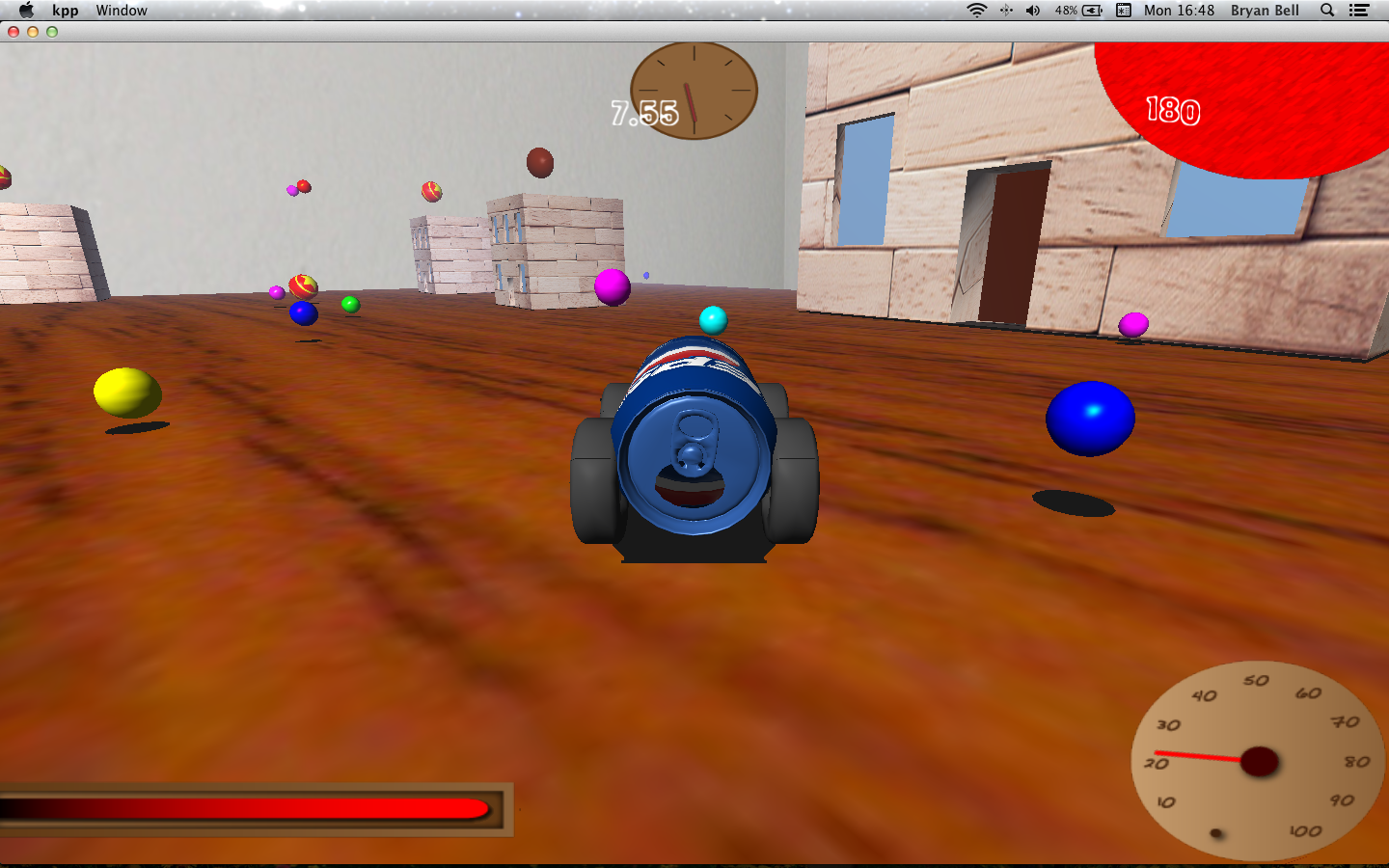
For our game we designed an advanced object loader that allowed models to be imported with normals, textures, texture coordinates, and material qualities. It then stored them in a hash table so it can load duplicate objects without reopening the file or allocating more space for meshes and textures on the GPU. This image shows several objects imported using our loader, including the kart and buildings highlighted.
Shadows in our game are simple planar shadows projected down onto the flat ground. We chose these shadows because we thought they looked the nicest, our surfaces are almost exclusively flat planes, and we could afford the extra cost in geometry. Shown are several objects with their flat projected shadows.
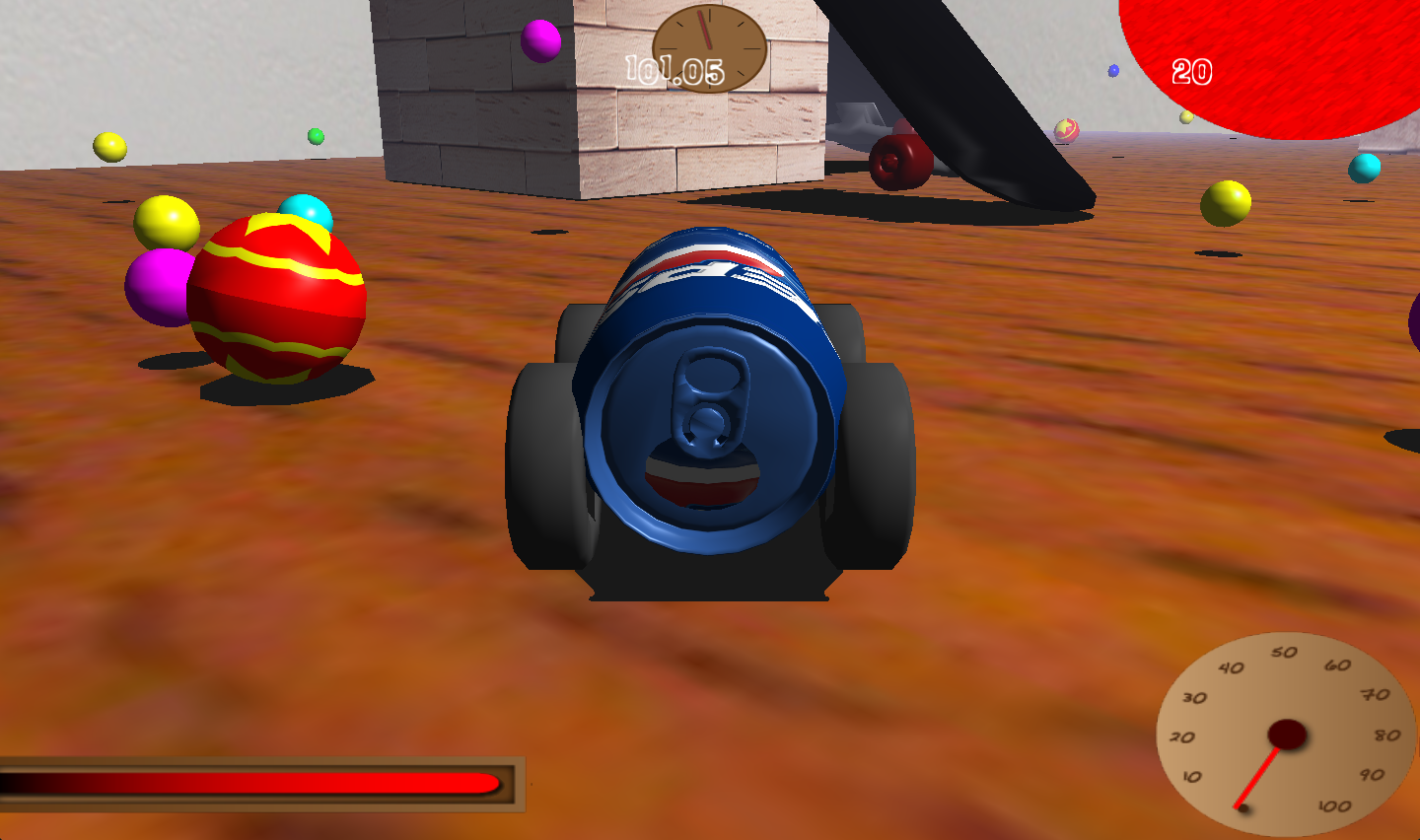
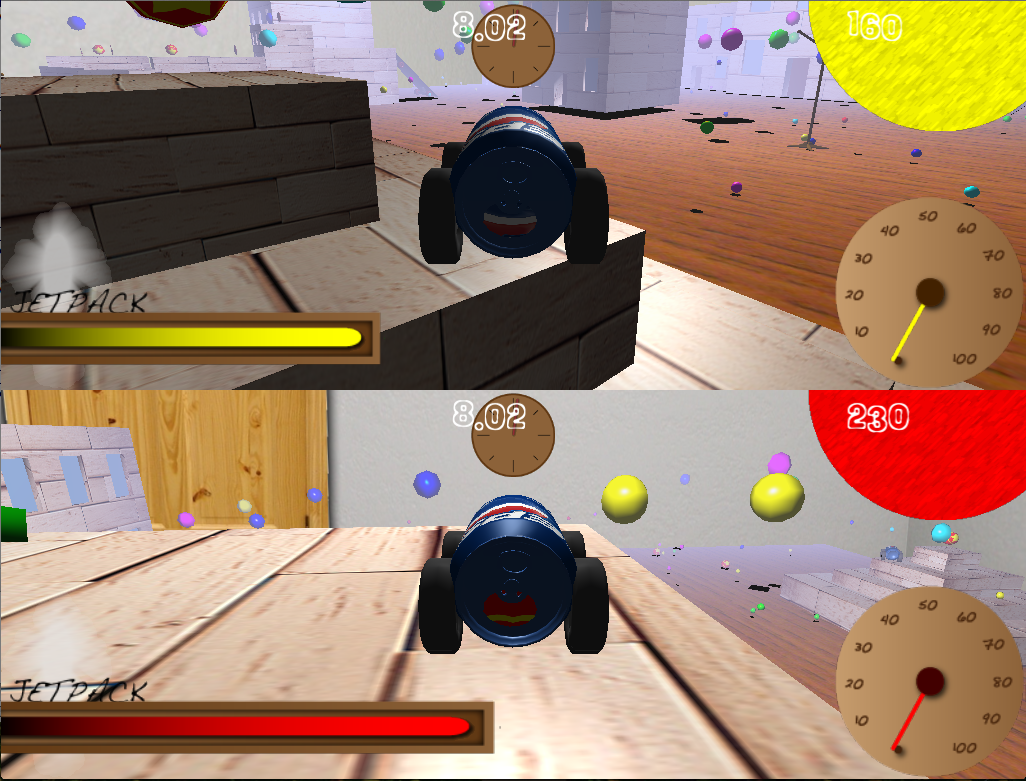
The HUD is made up of simple textured planes, hierarchically modeled, and placed on the screen. All textures are pulled from a HUD texture atlas with mapped coordinates with an associated name in a .crd file. These coordinates are read in at runtime, and allow textures to be chosen simply by passing their name to the HUD classes draw function. Our HUD allows for a player color to be set, which lets certain assets to be blended with that color. Shown is our HUD, drawn for two separate players.
One of the key gameplay features in our game is the ability to pick up parts to enhance and customize your kart. Kart upgrades come in three flavors: stat increases, body parts, and active abilities. Stat increases have passive effects that change the driving characteristics of the kart. Examples include upgrades that increase your karts top speed, accretion, braking, and turning. Body parts serve a similar function to stat increases, however they are accompanied by a visual addition to the kart. Their effects are much stronger, but only one body part can be in a given location on the kart at time. You can cycle through body parts in the front, side, and back of your kart. Active abilities change how your kart handles for a brief period of time. You activate the ability with a key press, and it drains some of your energy. When your energy is depleted, you will be unable to use the ability until your energy replenishes. Like body parts, only one active ability can be equipped at a time and you can cycle through the various abilities you collect.
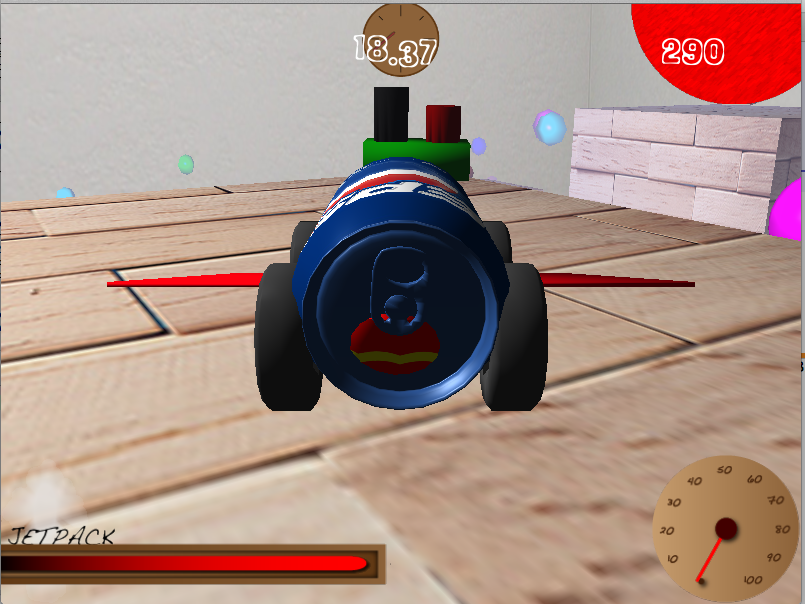
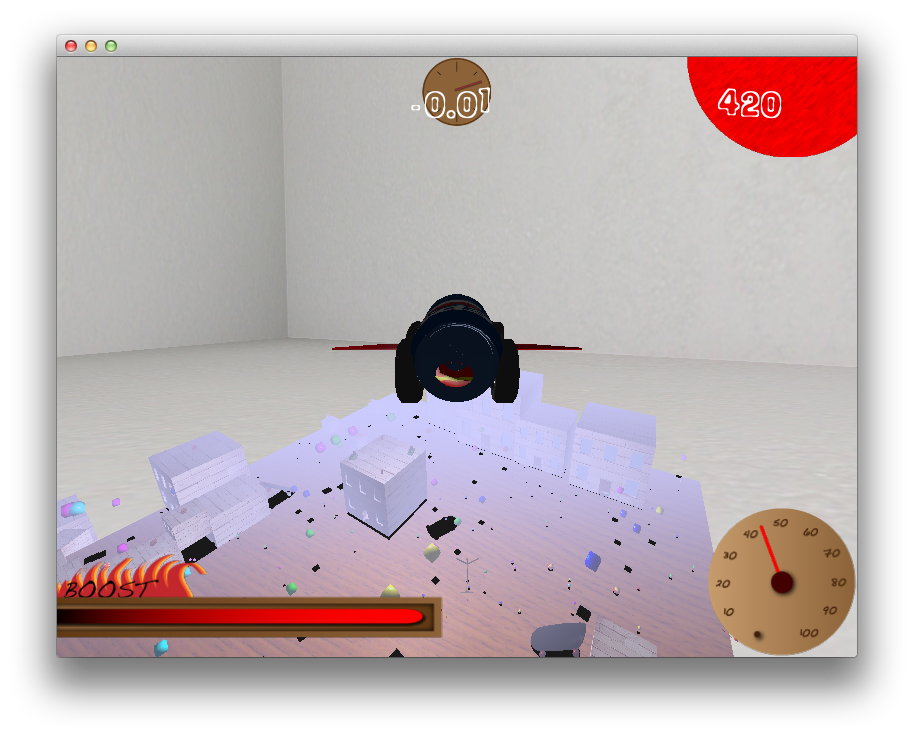
Our game has many different kinds of collisions. When your kart collides with points or upgrades it collects them but continues on its path. When it collides with anything else however physics happens. When you hit the side of a building, you bounce off in the angle of reflection. When you ram another player, they get shoved out of the way. And when your kart collides with the floor, or the tops of buildings and ramps, it stops falling. Gravity is always trying to pull the kart down. However, as shown, if you have the wings body part and you are moving fast enough, your kart will produce enough lift to take off.
One of the performance enhancing features of our game is level of detail models. When the game loads the models, it dynamically searches for additional models following a naming convention specifying them as lower resolution models of the same object. The benefit of dynamically loading the level of detail models is that it allows different models to have more or less levels of detail. Otherwise we would be forced to create more level models than we need or have time for. The level of detail chosen for any given model is determined by the the distance from the object to the camera.
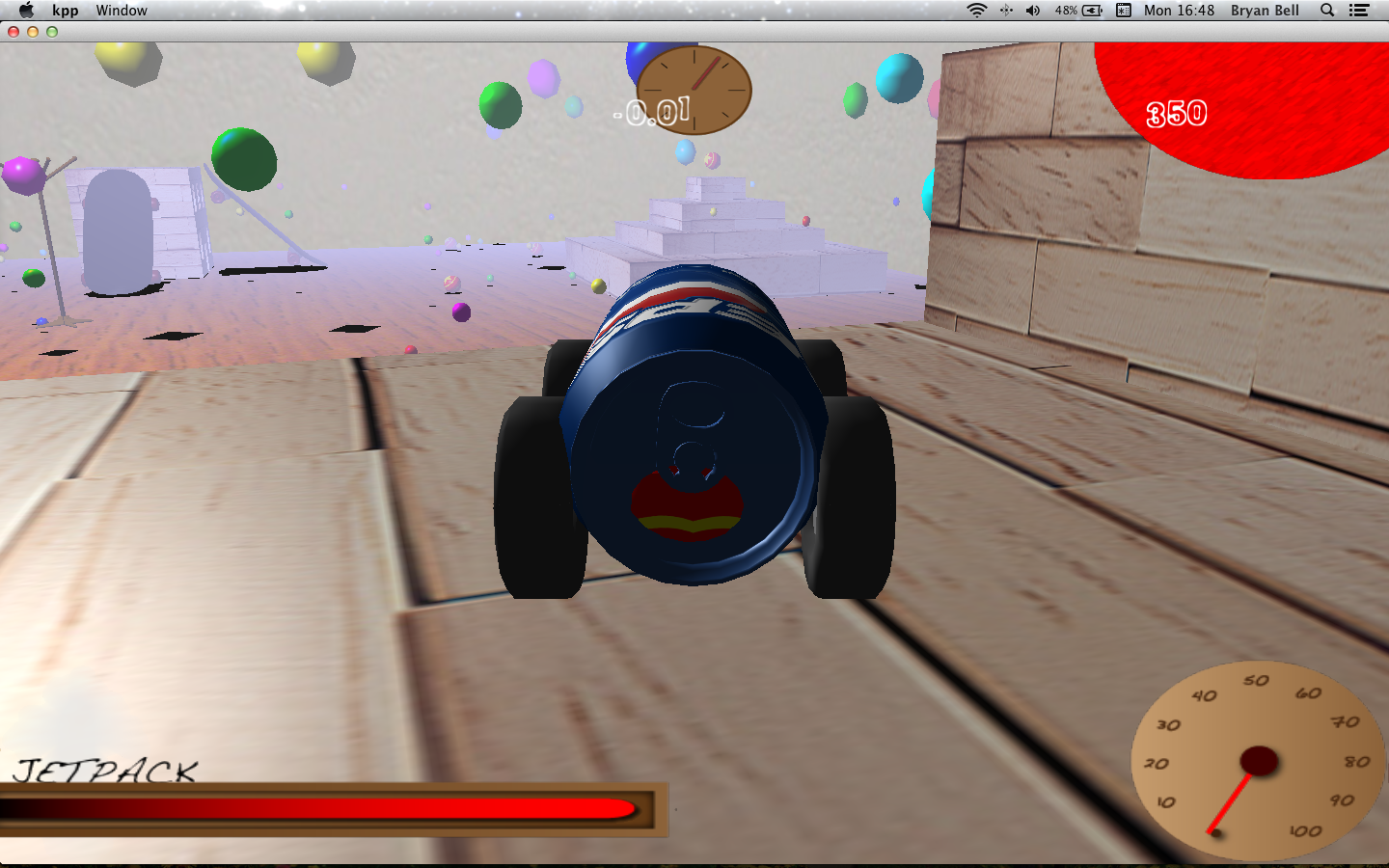
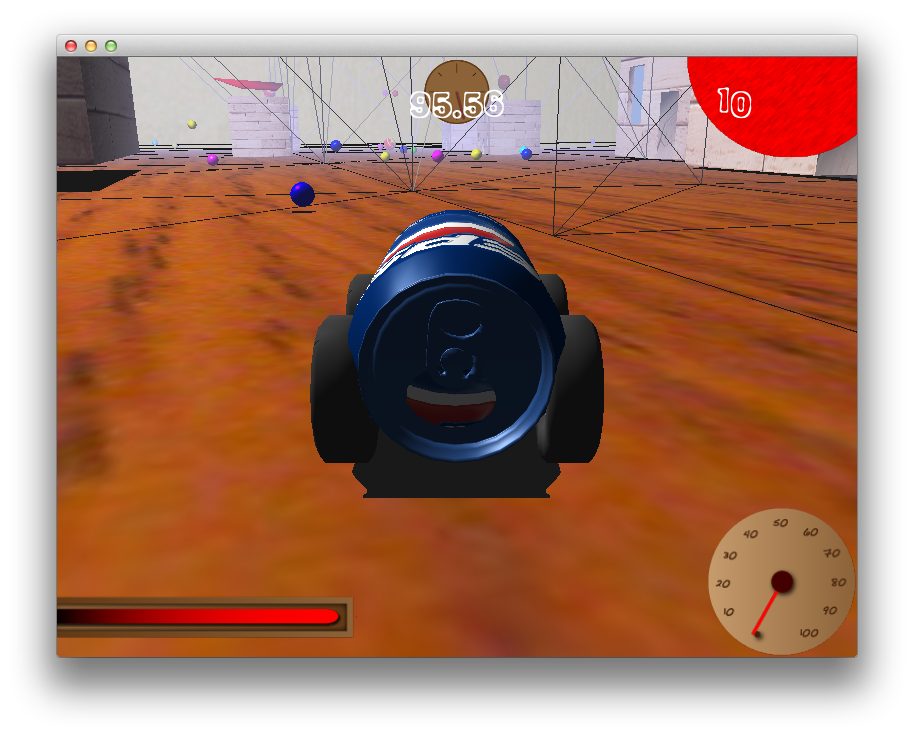
We use an octree to enhance the games performance. The octree is dynamically subdivided to take advantage of open areas and the sky which don't need to be subdivided. Elements which intersect more than one subdivision are placed in each subdivision it overlaps with. This prevents such elements from clogging up higher subdivisions. To prevent this from getting out of hand, an element won't be placed in subdivisions which are smaller than it. Queries into the octree are made by requesting a filtered subset. The filter only returns elements which intersect with a given bounding box.