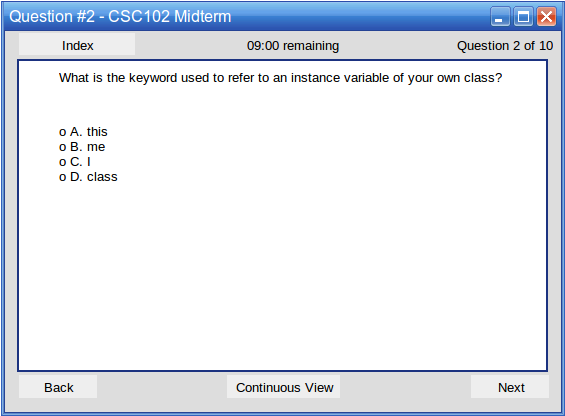
Figure 1: Example multiple choice question.
The figure's title bar shows the current question number. Under the title bar, the system displays two labels and one button. The label in the middle of the window shows the amount of time remaining. The right label shows the current question and the total number of questions in the test.
The Index button takes the user to the Test Review which will allow the user to jump between questions in the test and see their current statuses. The Test Review is elaborated on in 2.4.3.
The main panel contains the question and any diagrams that go along with the question. The answer field shows under the question and its diagrams. In the following figure, the user sees a multiple choice question with one diagram and four possible answers. The user selects an answer and click Next or Back to cycle through the questions in the test.
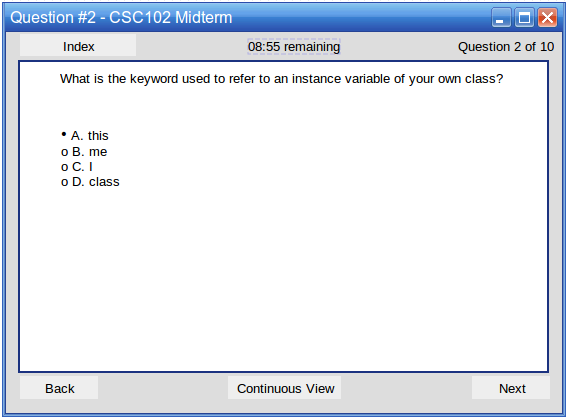
Figure 2: Example multiple choice question after answering.
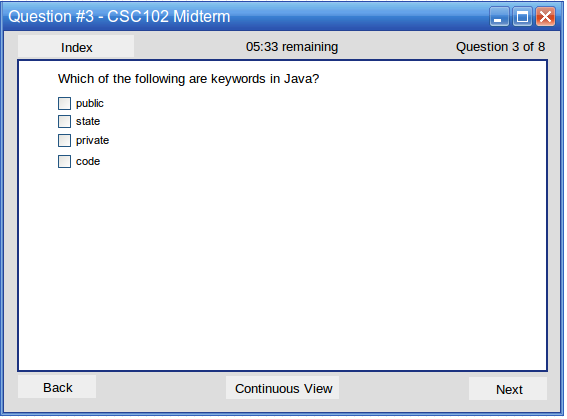
Figure 3: Example multiple choice question with many answers.
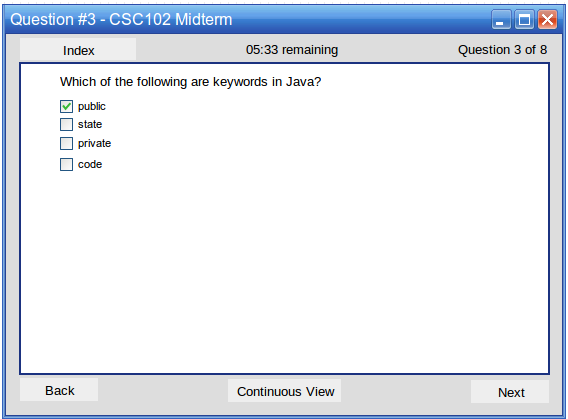
Figure 4: Example multiple choice question with many answers after answering.
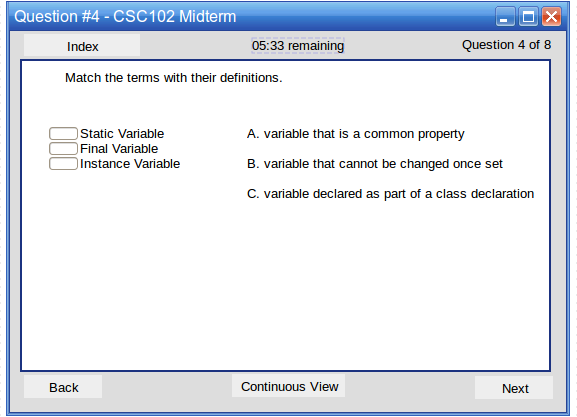
Figure 5: Example multiple choice question after answering.
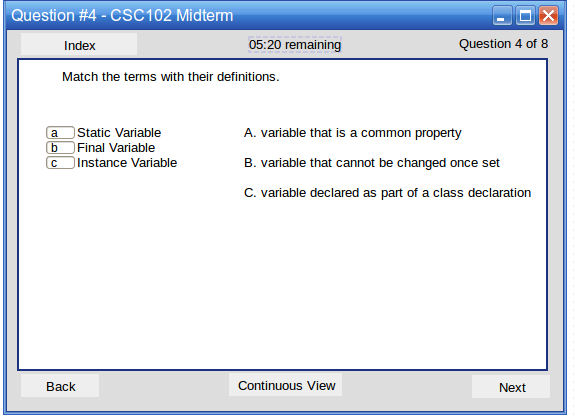
Figure 6: Example multiple choice question after answering.
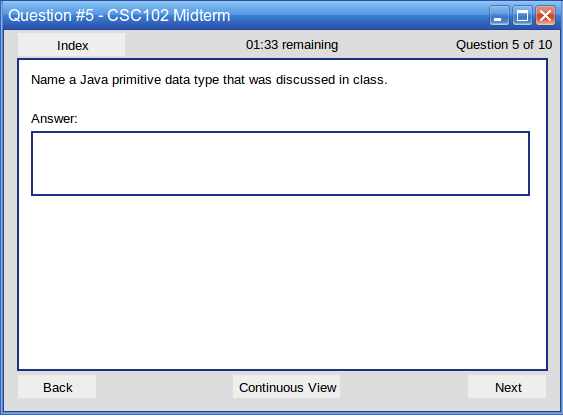
Figure 7: An example short answer question.
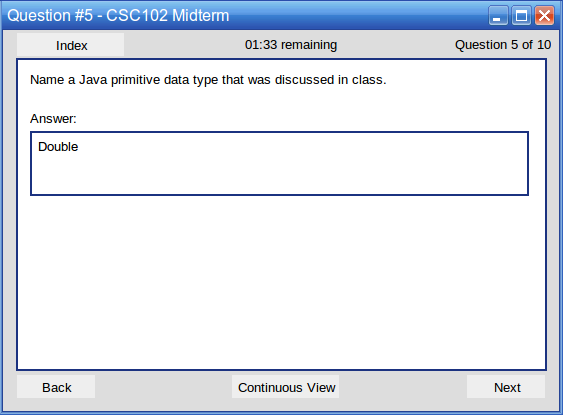
Figure 8: An example short answer question after typing an answer.
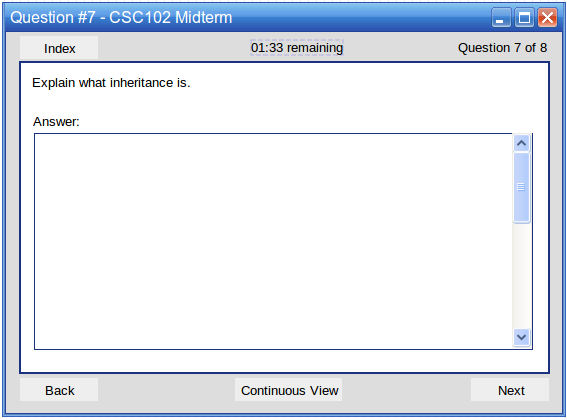
Figure 9: An example long answer question.
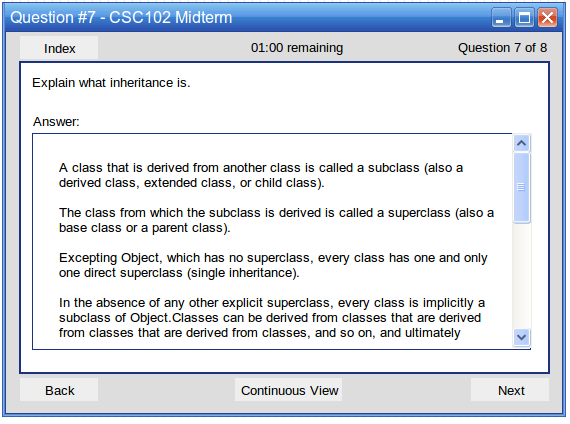
Figure 10: An example long answer question after typing an answer.
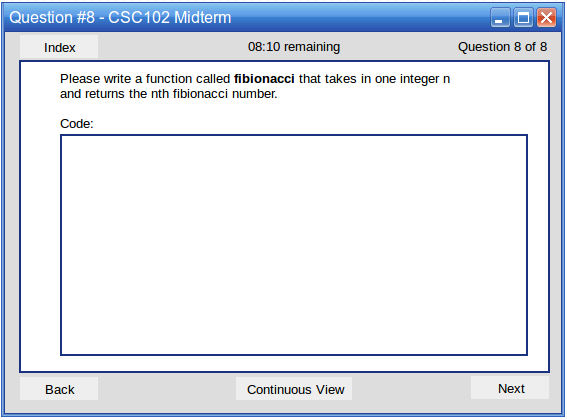
Figure 11: An example code question.
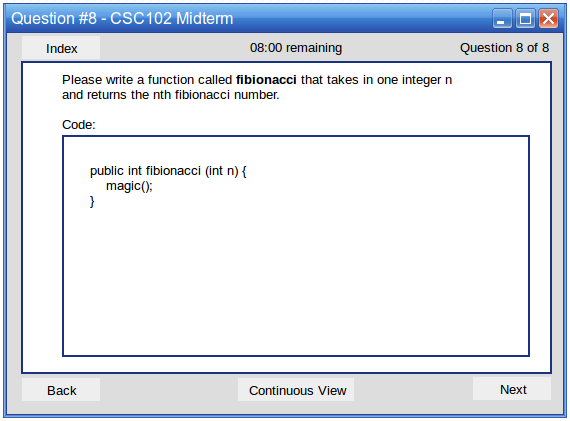
Figure 12: An example code question after answering.