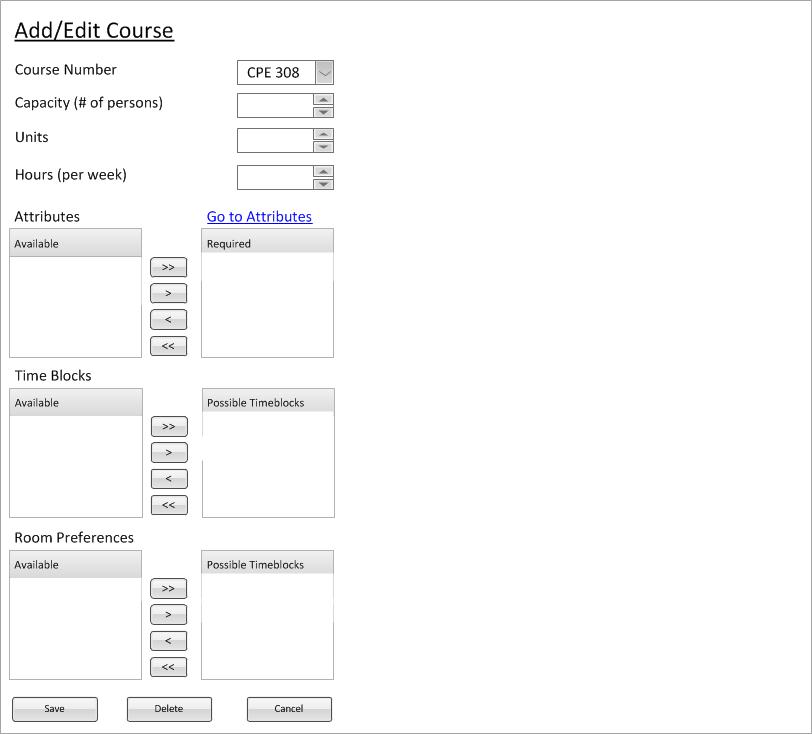
Figure 1: Start of Creation of course CPE 308
This example will follow the steps to create a new course "CPE 308". Following these instructions for adding a course is how the user can add any courses that they desire to be in the system.
Immediately after the user clicks the courses button in the nav bar they will use the drop down to select a building to add a course to. (The user must be careful to not click on a specific course or that course will be edited instead of creating a new course). In the example, the user has typed CPE 308.
Figure 1 shows the start for creating a course titled CPE 308
Figure 1: Start of Creation of course CPE 308
The user proceeds to fill in the desired information. course number was CPE 308 and we'll set the capacity of the course to 25, number of units to 4, and number of hours per week to 4. The user also desided to add the Handicap Accessible attribute. Also required is the MWF 1 and TR 1.5 time blocks and two specific room preferences.
Figure 2 shows the complete (yet uncommitted) course CPE 308.
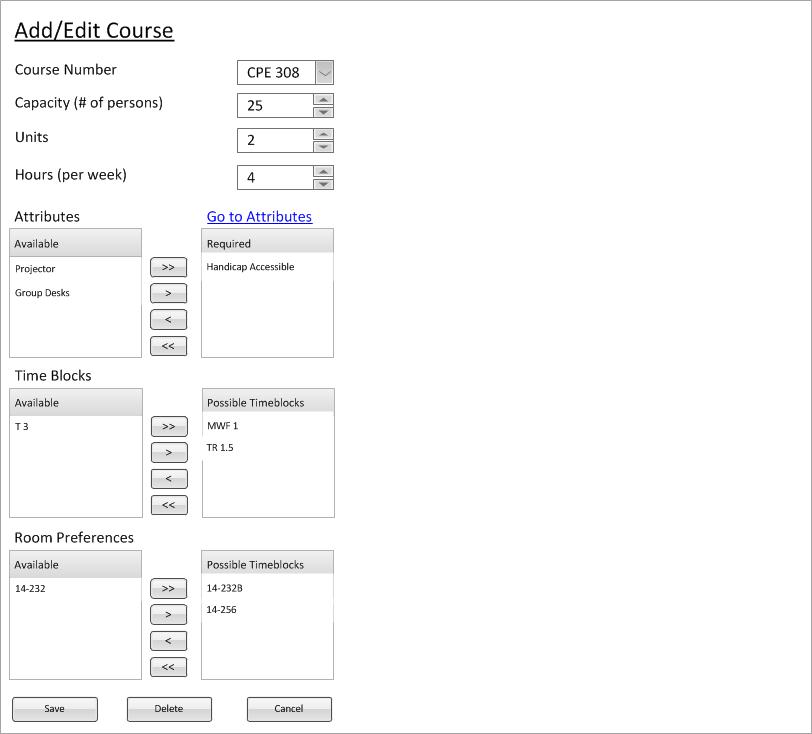
Figure 2: Example of a Created course CPE 308.