2.3. Question Bank Management
When a user clicks the "Question Bank" tab, she is presented with the main Question Bank
screen shown in Figure 2.3.1.
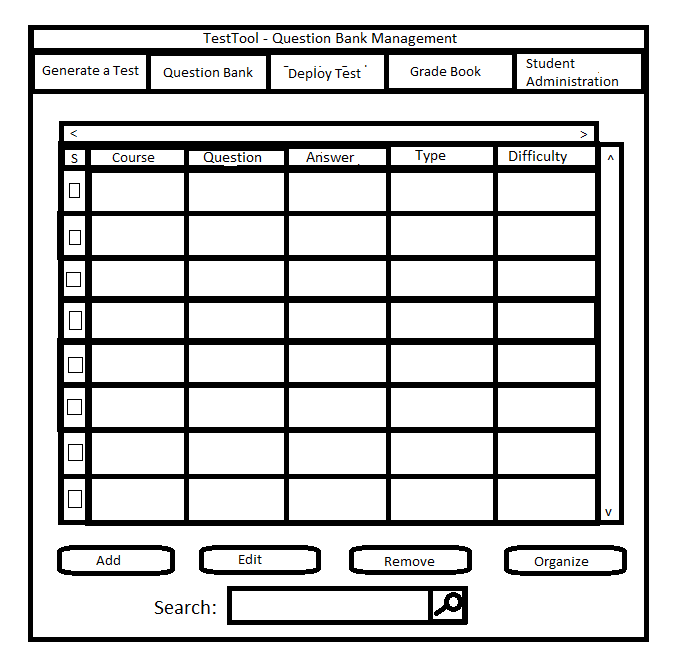
Figure 2.3.1: Question Bank Main Screen
The tabs that run across the top of the window correlate to other actions that can be taken. The order of the tabs conforms to the order of the welcome screen.
There are five scenarios in this section that describe a user managing the question bank:
Prev:
| Next: add or edit a question
| Up: functional
| Top: index