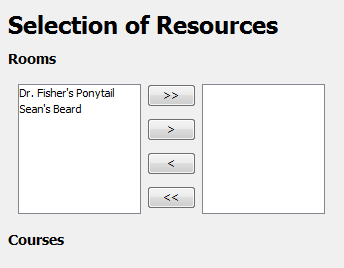
Figure 1: Room Chooser
Rooms are constantly being repaired or constructed on at Cal Poly campus, thus the ability to disable rooms for a given term is needed. This feature is the first third of the Choosing Resources context panel that can be located in the Scheduling folder in the application's Navigational Bar.
This feature is implemented by the application's Attribute Chooser custom panel. An administrative user uses this custom panel to choose which rooms are used by the automatic mode of scheduling and which rooms are not. The initial layout is shown below.
Figure 1: Room Chooser
As shown above, no rooms are available for scheduling by default. The administrative user marks rooms available for scheduling by transferring the rooms to the list on the right side, as shown below.
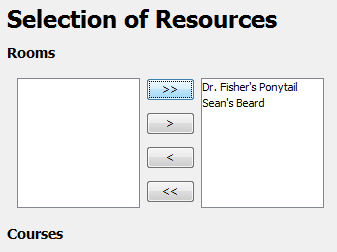
Figure 2: Room Chooser (cont.)
For a thorough tutorial of the Attribute Chooser and how all of these buttons work, please see the subsection located towards the bottom of this page.